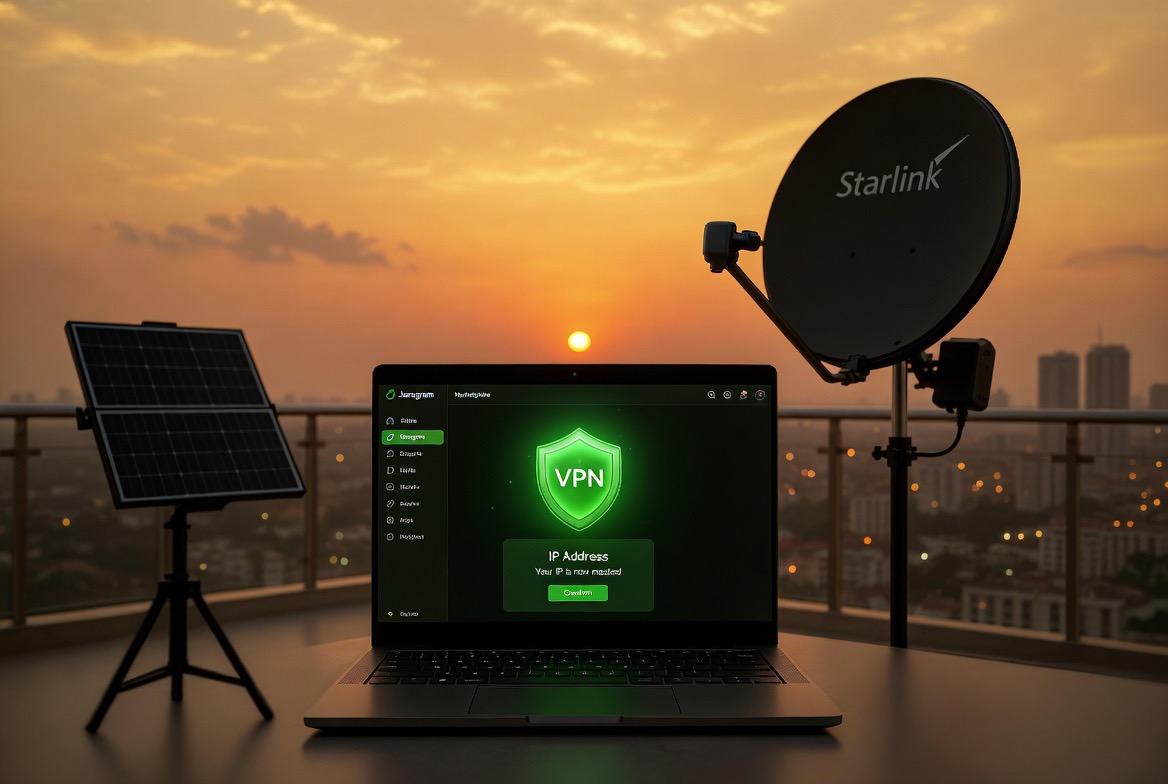
Mask your IP when buying accounts on Jaragram Nigeria 2026: Privacy-first guide for safe social media account purchases. Tools, steps, mistakes & best practices.
Your IP address is silently tracking every move you make on Jaragram in 2026 — one slip and your account, purchased pages, or entire side hustle can vanish overnight. Here’s the privacy-first playbook Nigerians are using to buy and sell aged social accounts without leaving a trace.
Why Privacy Matters More Than Ever in Nigeria
Nigerian ISPs keep detailed logs, platforms run aggressive anti-fraud checks, and even Jaragram’s escrow system can flag suspicious logins. One exposed IP from your regular MTN or Airtel line can trigger instant account suspension, lost funds, or stolen aged pages. Privacy isn’t optional — it’s the difference between steady monthly income and starting over from zero.
The Tools Nigerian Buyers Actually Trust in 2026
VPNs with Nigerian or residential servers: ExpressVPN or NordVPN (both have proven no-logs policies and work flawlessly on Starlink) Antidetect browsers: GoLogin or AdsPower — they create unique browser fingerprints so platforms see a completely different “person” Residential proxies: Paid services like Bright Data or IPRoyal (avoid free proxies — they’re already blacklisted)Combine all three for maximum protection. Total monthly cost: under ₦15,000.
Step-by-Step: Mask Your IP Before Every Jaragram Transaction
Connect to a reliable VPN and choose a residential server (US or Europe works best for Jaragram) Open your antidetect browser and create a fresh profile Log into Jaragram only inside that protected environment Complete the escrow purchase or sale Log out completely, clear the profile, and disconnect the VPNDo this every single time — never reuse the same setup for multiple deals.
Common Mistakes That Get Accounts Flagged Fast
Using free VPNs or browser extensions (they leak your real IP) Switching networks mid-transaction (mobile data to Wi-Fi) Forgetting to rotate browser fingerprints Logging in from the same device you use for personal accountsOne mistake and Jaragram’s system locks you out within minutes.
What to Do If Your IP Gets Exposed (Recovery Guide)
Immediately disconnect and change all passwords Contact Jaragram support with your transaction ID (they’re fast on privacy cases) Create a new protected profile and move remaining funds Wait 48–72 hours before any new activityMost users recover fully if they act fast — the key is never panicking and never repeating the same error.
Best Practices for Long-Term Privacy on Jaragram
Always use a dedicated “business” device or virtual machine Enable kill-switch on your VPN Rotate IPs every 7–10 days Never discuss specific deals in public groups or chats Keep proof of every transaction (screenshots + escrow receipts)Follow these and you can buy and sell aged accounts on Jaragram for years without a single flag.
Next step: Set up your first masked profile today and start browsing Jaragram’s aged account listings with total peace of mind.
Start buying or selling aged accounts safely on Jaragram
Suggested Reading:
Buy Aged Accounts for Bluesky & Threads Nigeria 2026 Turn Old Facebook Pages into AI Digital Twins