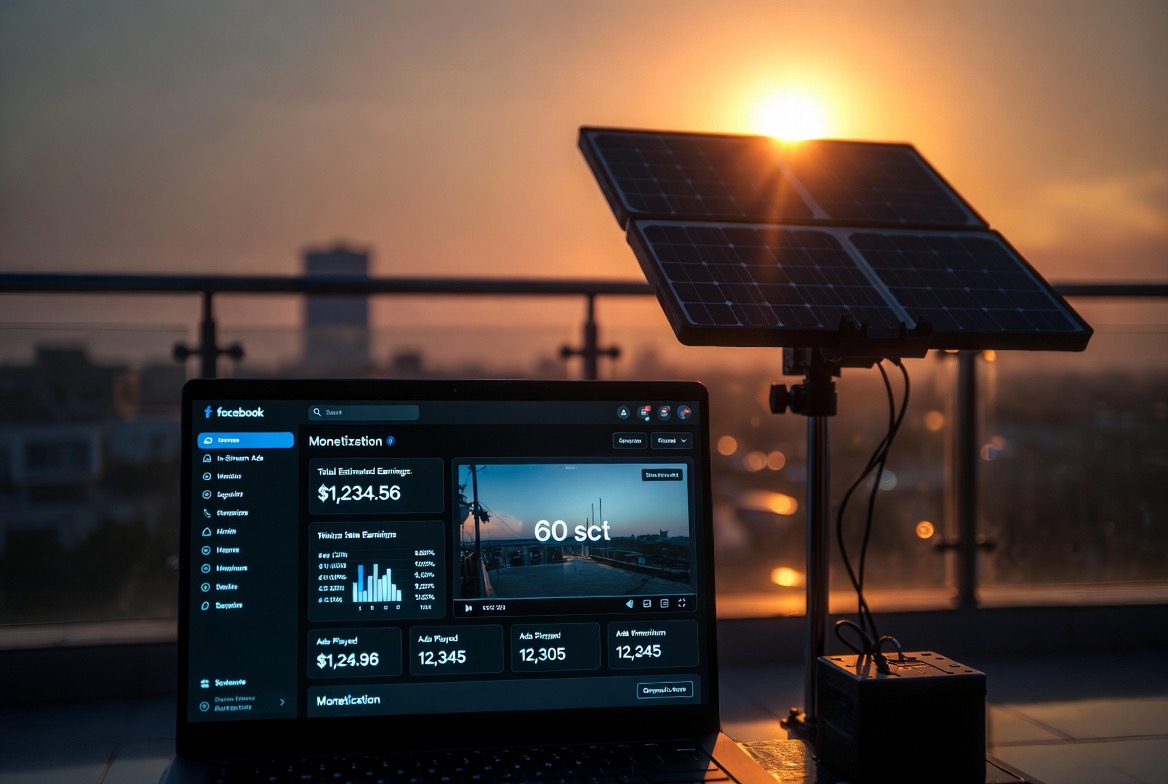
Facebook In-Stream Ads Blueprint 2026: Exact step-by-step to activate Professional Mode, hit 5k followers + 60k minutes, file W-8BEN & link OPay/Geegpay payouts.
Facebook’s 2026 In-Stream Ads program now pays the same high RPM across both Reels and long-form videos in a single dashboard. Creators who hit the thresholds are seeing $0.02–$0.08 per 1,000 views — 3–5× higher than the old fragmented system.
YouTube channels like “Monetizing Facebook in 2026” (search the exact title) show live screen recordings of Nigerians clearing ₦450,000–₦1.8 million monthly once approved. The process is 100 % technical and repeatable.
Step 1: Convert Your Page to Professional Mode
Open the Facebook app or desktop → go to your Page (not personal profile) Click Settings & Privacy → Settings → Professional Mode Toggle “Switch to Professional Mode” and confirm Choose your primary category (e.g., “Business & Finance”, “Lifestyle”, “Tech”) Add a professional bio, contact button, and call-to-actionThis step unlocks the full In-Stream Ads panel. Do it on a fresh or aged Page to avoid personal-profile restrictions.
Step 2: Reach the Official Eligibility Threshold
You must prove:
Minimum 5,000 followers on the Page At least 60,000 minutes of total watch time in the last 60 daysFast-track tactic used by Nigerians:
Buy a pre-eligible aged Facebook Page on Jaragram (already has 5k–15k followers and clean watch-time history) Post 3–5 daily Reels + 1 long-form video (60–90 seconds minimum) using AI tools Track progress in Meta Business Suite → Insights → Watch TimeOnce you cross both numbers, the “Monetization” tab appears automatically.
Step 3: File the W-8BEN Tax Form (Non-US Creators)
Go to Meta Business Suite → Monetization → Tax Information Click “Add Tax Info” → Select “Individual” → Choose “W-8BEN” Fill your full legal name, Nigerian address, and TIN (Tax Identification Number) Certify you are not a US person and claim tax treaty benefits (Nigeria–US treaty reduces withholding to 0–15 %) Upload a clear scan of your international passport or NIN slipApproval takes 3–7 days. YouTube walkthroughs from 2026 show Nigerians getting approved on the first try when the form is filled exactly this way.
Step 4: Link Nigerian Bank via OPay or Geegpay
In Monetization settings → Payouts → Add Payment Method Select “Bank Account” → Choose “Nigeria” Enter your OPay or Geegpay virtual USD account details (both support direct Meta payouts in 2026) Verify with the small test deposit Meta sends Set payout threshold to $100 (minimum) and frequency to weeklyOPay and Geegpay both convert instantly to Naira with zero forex fees for most users.
Step 5: Activate In-Stream Ads & Optimise Content
Go back to Monetization → In-Stream Ads → Turn on “Monetize my videos” Upload or schedule new content: 60-second+ horizontal Reels or long-form videos Add 3–5 mid-roll ad breaks (Meta auto-places them for maximum revenue) Use trending audio + on-screen text + strong hooks in first 3 secondsLive YouTube sessions from Nigerian creators show that consistent 60–90-second videos hit the highest RPM because they keep viewers past the 30-second mark.
Common Technical Pitfalls to Avoid
Never switch networks mid-application (use the same VPN + antidetect profile) Do not delete old videos — they count toward watch-time history Keep content original (no watermarks or reposts)Ready to Activate Your In-Stream Ads Blueprint?
You now have the exact technical sequence that Nigerians are following to go from zero to first payout in under 30 days.
Next step: Grab a pre-eligible Facebook Page on Jaragram Marketplace (already in Professional Mode with watch-time history) and follow this blueprint the same day.
Buy pre-eligible Facebook In-Stream Ads Pages on Jaragram
Suggested Reading:
The TikTok Creator Rewards Pivot Mask IP When Buying Accounts on Jaragram 2026